
Your commitment in SupplyOn
Your commitment sits here; the result needs to be uploaded here too.
The goal
In the end, two files go into SupplyOn
The share in SupplyOn counts, whoever entered it.
Without a timely upload you count as non-compliant with ZF.
Both uploads apply only to suppliers ZF has selected for verification. If you are not selected, you maintain the percentage only.
Green Electricity Roadmap
Step 1 of 3
Open the Business Directory
From the SupplyOn home screen, the Business Directory tile.
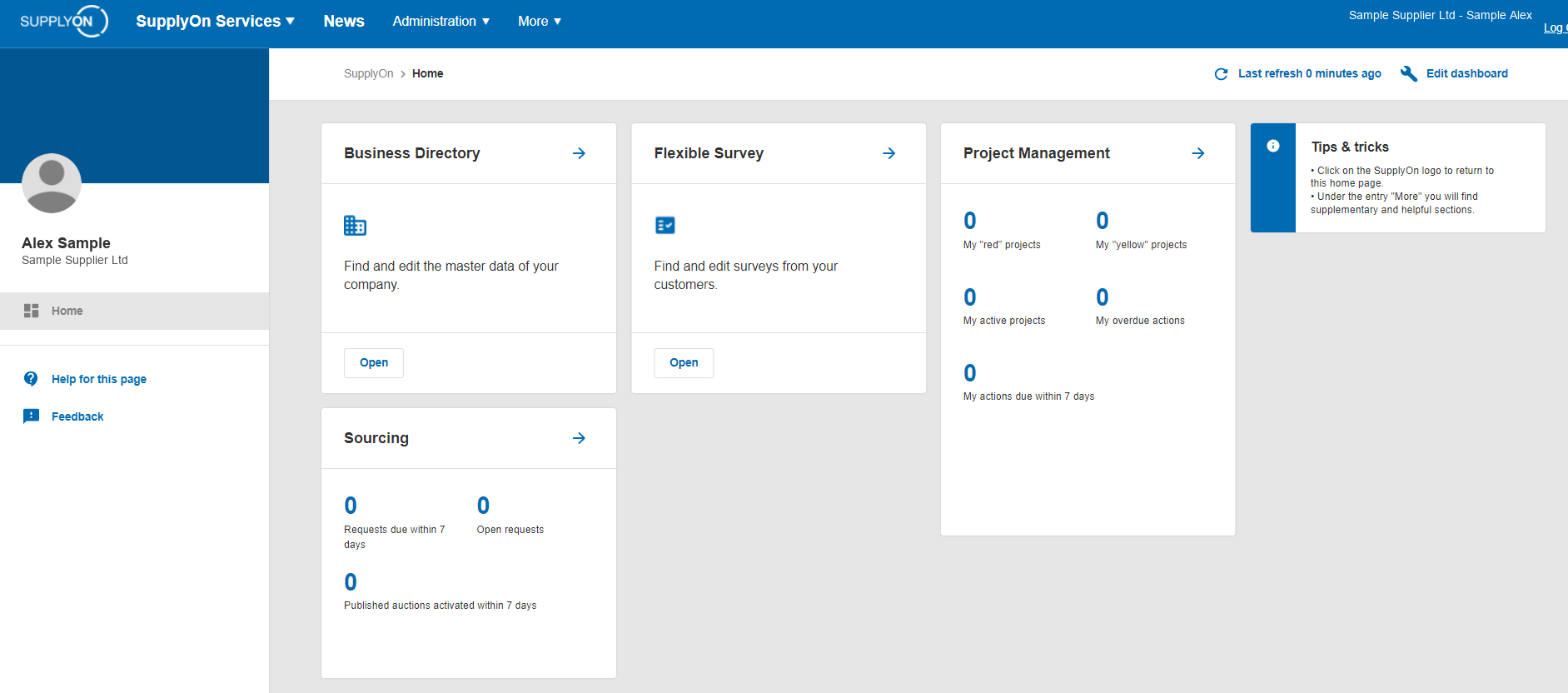
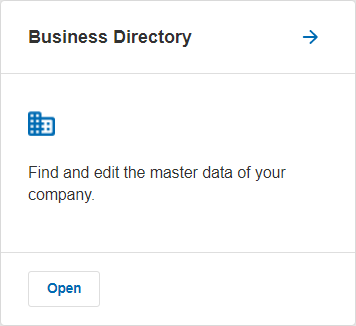
SupplyOn home screen with the Business Directory tile. Open the image at full size
Step 2 of 3
Company Profiles
In the left-hand menu choose Company Profiles, then open profile for your entity.
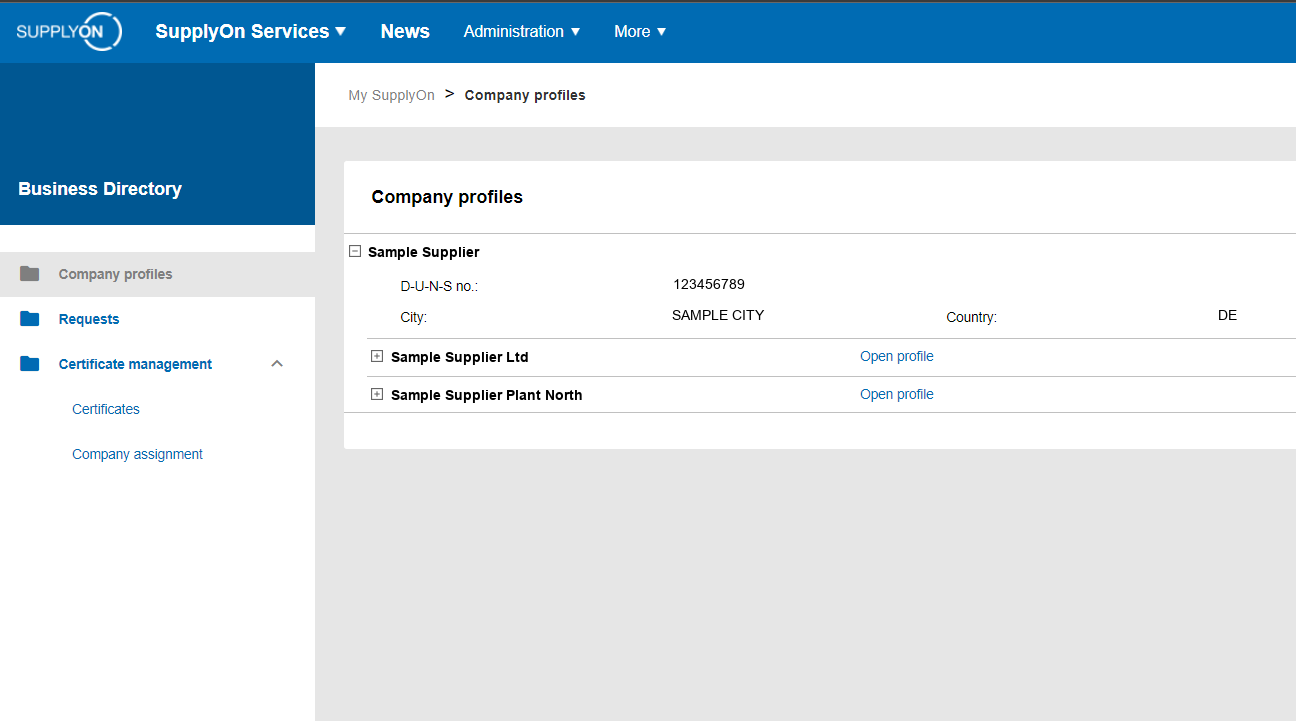
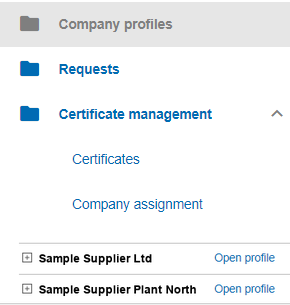
Company Profiles in the Business Directory with the list of entities. Open the image at full size
Step 3 of 3
Green Electricity Roadmap
It sits in the , with your green electricity share in percent for each year through 2030. The audit measures against that figure.
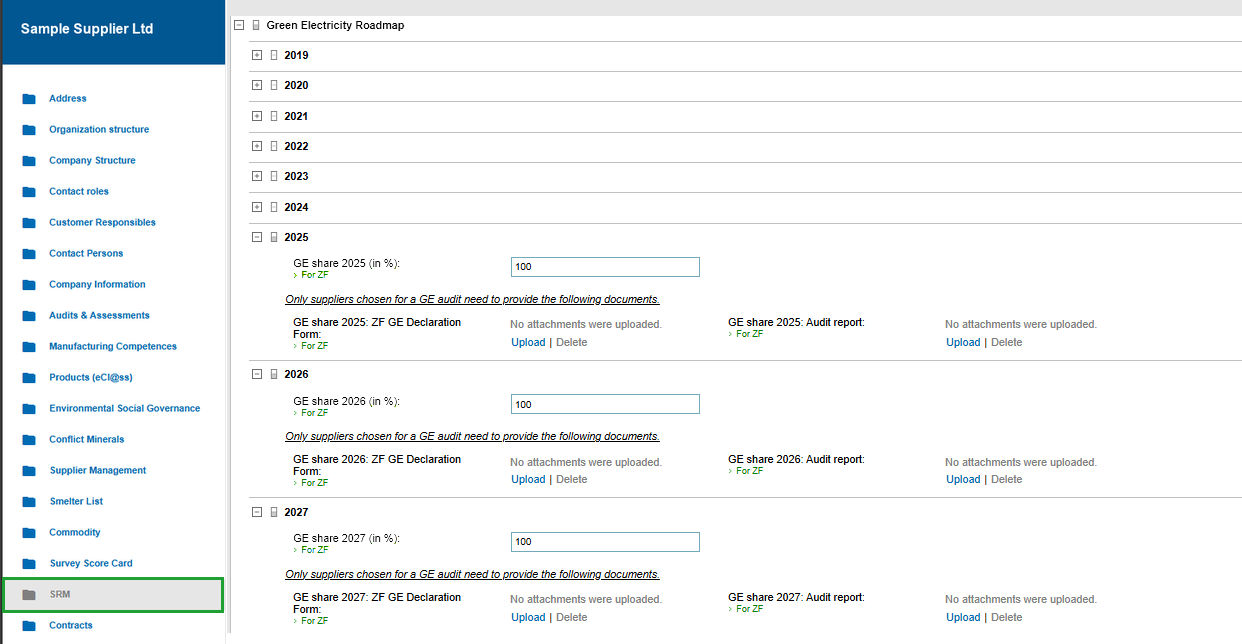
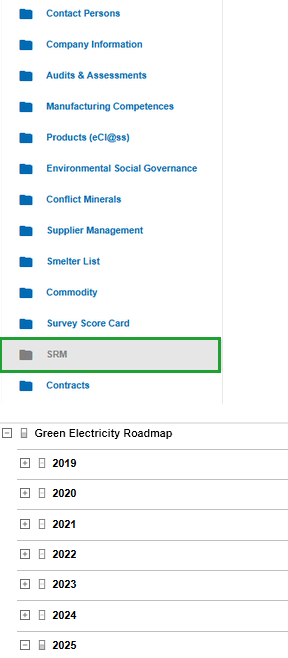
Green Electricity Roadmap in SupplyOn with the left-hand menu. The SRM entry that holds the roadmap is marked; on the right are the year blocks with the green electricity share, the ZF GE Declaration Form and the upload buttons. Open the image at full size
If you see nothing, the role is missing
Access requires the role BusinessDirectorySupplierStandard. Your own SupplyOn administrator assigns it, not ZF and not us. The module is free of charge for ZF suppliers.
Where access sits
Access often sits with sales or purchasing. Ask there before you set up a new account.
What you upload at the end
Inside the block for the reporting year, marked in the image below: green electricity share, ZF GE Declaration Form and the upload button. Two files go in there.
The audit report
In SupplyOn it is called Audit report. It states your green electricity share and comes from us or from the auditor you appointed.
The ZF declaration
In SupplyOn it is called the ZF GE Declaration Form. It belongs with the report, is signed by you and goes in the field beside it. We help you fill it in.
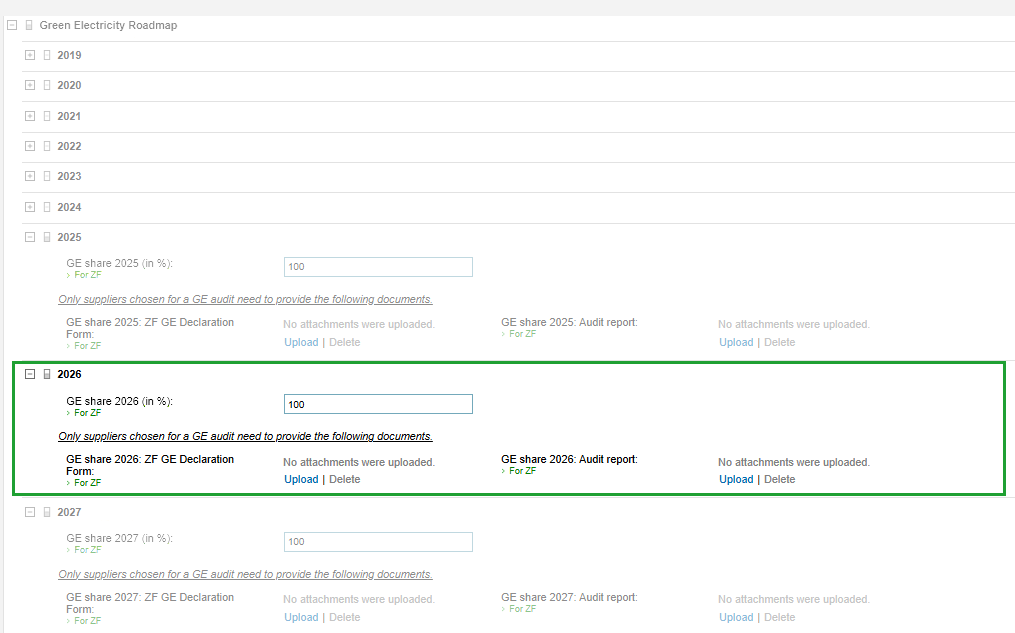
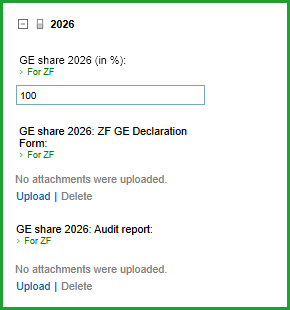
The same screen without the menu. The year block is marked: green electricity share, ZF GE Declaration Form and the two upload buttons. Open the image at full size
Both uploads apply only to suppliers ZF has selected for verification. If you are not selected, you maintain the percentage only.
You are the one who uploads
You upload it yourself: the SupplyOn access is yours, and without your release from confidentiality we pass nothing to ZF. ZF sees what you upload to SupplyOn yourself.
Intro call, no cost
Found the commitment but unsure what it means?
In the call we review your scope.
- Scope and audit approach for your case
- Your document list
- Your cost indication
- On request, a written offer for your purchasing team

You speak with Jannik Hassel, German Public Accountant (Wirtschaftsprüfer).On Microsoft Teams.
Prefer e-mail or phone?
A reply to every e-mail within 48 hours on working days. If it is urgent, say so and we will answer as soon as we can.